Integrations
Integrations for AI workload execution
Connect Jungle Grid to agent frameworks, workflow tools, AI app builders, and backend platforms so compute-heavy workloads can run without managing GPUs directly.
Workflow, app, and agent logic
Your integration tool decides when work should happen and how the rest of the system responds.
Remote workload execution
Jungle Grid executes the workload, tracks status, exposes logs, and returns results without manual GPU selection.
Less infrastructure logic in app code
Developers keep orchestration where it belongs and avoid turning every workflow into a provider-management problem.
- Pattern
- Orchestrate first
- Keep workflow and app logic in the integration tool, then send heavy execution to Jungle Grid.
- What Jungle Grid does
- Runs the workload
- Submission, placement, execution, logs, status, results, and retries stay in the execution layer.
- What developers avoid
- Manual GPU picking
- Developers do not need to choose providers, regions, or exact GPUs for every job.
Execution layer
What Jungle Grid owns in an integration architecture
These pages treat Jungle Grid as the workload-first execution layer behind your agent framework, workflow tool, backend platform, or AI app builder. The integration tool keeps orchestration logic. Jungle Grid executes the workload.
That means developers do not need to manually choose GPUs, providers, or regions every time a workflow needs heavy remote compute.
- Workload submission: your tool or backend sends an intent-first job request to Jungle Grid.
- Remote execution: Jungle Grid places and runs the AI job on remote capacity matched to the workload.
- Status polling: the integration layer can poll job state without owning scheduler logic.
- Logs: Jungle Grid exposes runtime logs so apps and agents can surface execution detail to users or operators.
- Results: your workflow layer retrieves output metadata and final results after the job completes.
- Retries and failover: Jungle Grid handles execution recovery so orchestration logic stays focused on business flow.
Integration examples
Integration pages for common AI workflow stacks
Each page shows the same boundary from a different ecosystem angle: the integration tool handles orchestration, workflow, or app logic, and Jungle Grid handles the remote AI job.
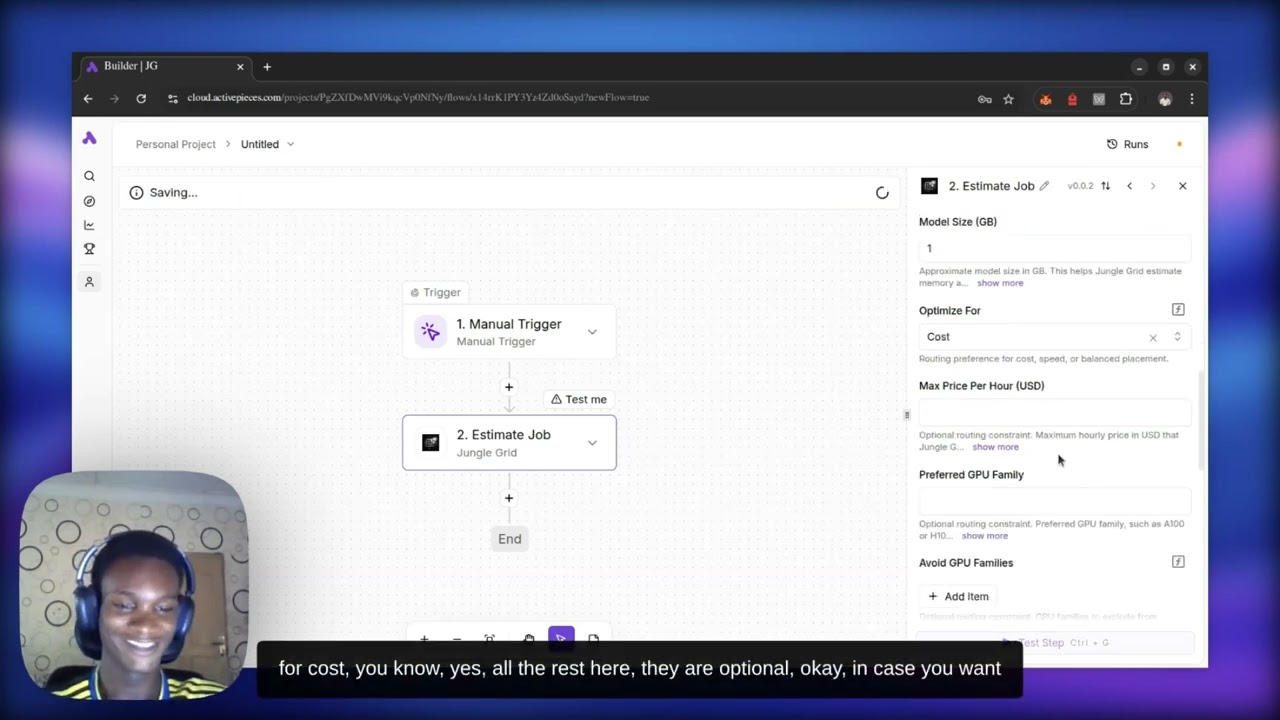
Activepieces
Trigger real AI workloads from automated workflows while Jungle Grid handles remote execution, status tracking, logs, and results.
Best use case: Low-code and event-driven workflows that need tracked AI execution without manual GPU setup.
View integration pageStateful agents that escalate to remote inference, document analysis, or evaluation runs.LangGraph
Keep agent state, tool routing, and graph control in LangGraph while Jungle Grid runs the heavy job remotely.
Best use case: Stateful agents that escalate to remote inference, document analysis, or evaluation runs.
View integration pageWebhook-driven AI workflows that need status tracking and result delivery into other systems.n8n
Let n8n receive events, transform data, and notify downstream systems while Jungle Grid executes the heavy AI job remotely.
Best use case: Webhook-driven AI workflows that need status tracking and result delivery into other systems.
View integration pageAI products that need a backend state layer plus tracked remote execution for heavier workloads.InsForge
Store workload records, auth state, files, and result metadata in InsForge while Jungle Grid executes the heavy AI job remotely.
Best use case: AI products that need a backend state layer plus tracked remote execution for heavier workloads.
View integration pageAI apps that need an external execution service for bigger or longer-running jobs.Dify
Let Dify manage prompts, tools, and app flow while Jungle Grid executes heavier workloads remotely.
Best use case: AI apps that need an external execution service for bigger or longer-running jobs.
View integration pageVisual AI workflows that need tracked remote execution for bigger jobs.Flowise
Build the workflow visually in Flowise, then send heavy execution to Jungle Grid through an API or custom tool node.
Best use case: Visual AI workflows that need tracked remote execution for bigger jobs.
View integration pageMulti-agent systems that need a clear handoff from planning to tracked remote execution.CrewAI
Let CrewAI agents coordinate the work plan while Jungle Grid executes the heavy AI job and returns tracked runtime state.
Best use case: Multi-agent systems that need a clear handoff from planning to tracked remote execution.
View integration page